What is Page Pulse?
Page Pulse automatically records every change to your web pages and lines those changes up against your Google Search Console and Analytics data, so you can see what changed, whether it mattered, and prove the impact.
What it does
Page Pulse crawls your pages on a schedule and tracks what changes: content, headings, links, and meta, field by field. It then connects those changes to your traffic, so a ranking drop three weeks from now is never a mystery.
What you get
- Change tracking, with word-level diffs of every edit.
- Impact scoring from 0 to 100, so signal is separated from noise.
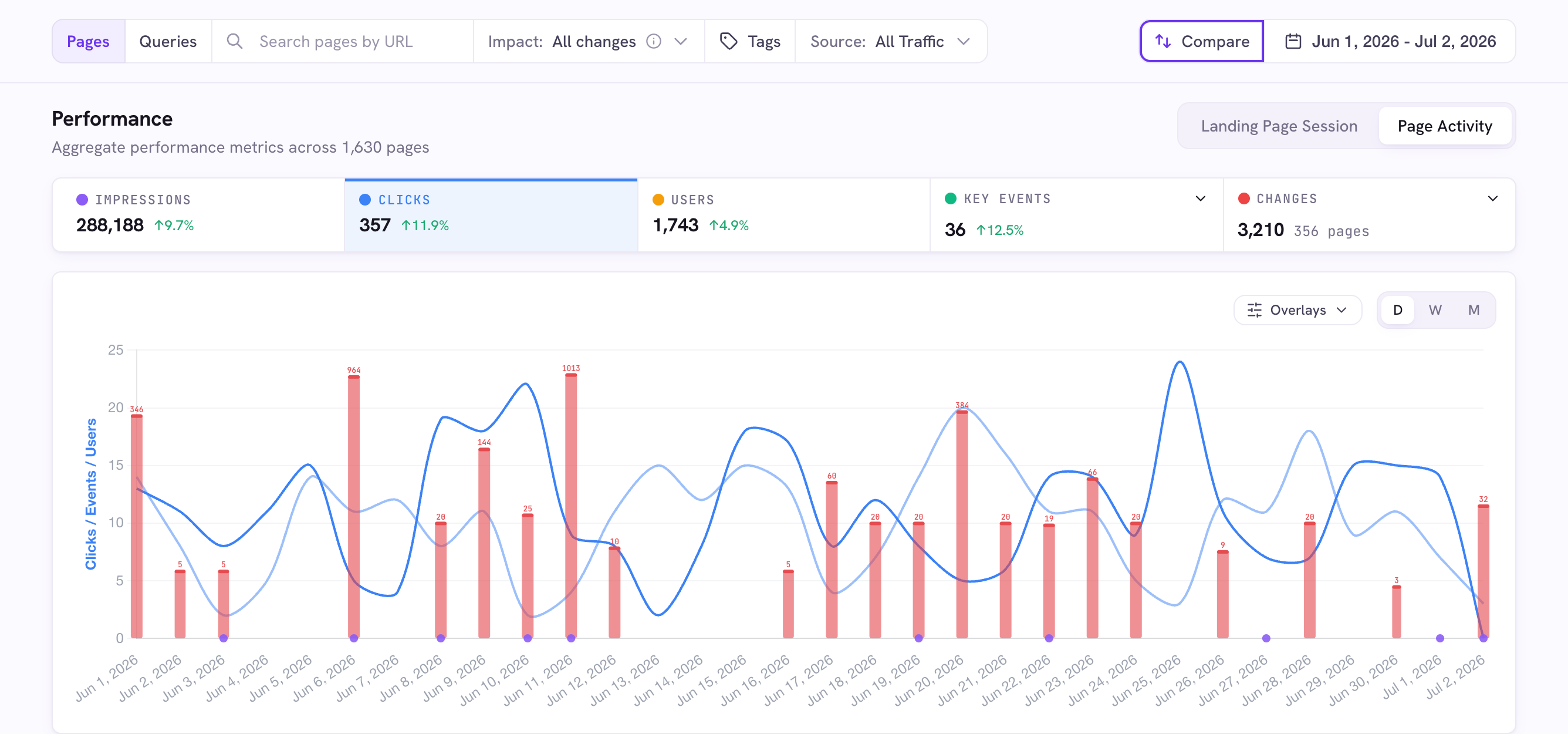
- Traffic in context: clicks, impressions, users, and key events, with change markers on the chart.
- Proof of which past changes actually moved traffic, 30 to 90 days later.
- Alerts by email or Slack when metrics move or pages change.
Start here
- Create a free account.
- Add your first project and connect Google (optional).
- Choose which pages to track, and Page Pulse handles the rest.
Good to know
- No Google account? You can still track page changes with a crawl-only project.
- Page Pulse is built by an SEO agency, for SEO teams.