Alert schedules and timezones
Digest alerts run on a schedule you set, in the timezone you choose, so they land at a sensible local time.
Set frequency and time
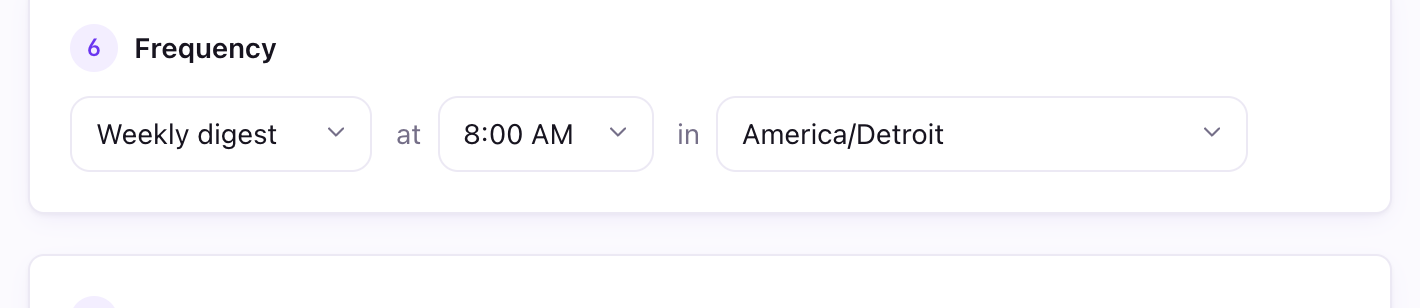
In the alert editor, choose Daily, Weekly, Monthly, or Quarterly. Then pick a time of day (on the hour or the half-hour) and a timezone. Monthly and quarterly digests also take a day of the month.
How firing works
Page Pulse checks schedules every half hour and fires each alert at its chosen local time. Instant alerts are evaluated as soon as new data arrives, at most once an hour.
Good to know
- The timezone defaults to your browser's zone, but you can set it per alert.