How Page Pulse detects changes
Page Pulse crawls your tracked pages on a schedule and compares each crawl to the last, recording exactly what changed.
Field-by-field tracking
Each crawl captures the page’s content, headings, links, and meta. Page Pulse diffs it against the previous crawl and stores every difference as a change, grouped into Content, Headings, Links, and Meta & SEO.
New, edited, and removed
Every change is one of three actions: New (added), Edit (changed), or Remove (deleted). You can filter by action inside the change record.
Where changes show up
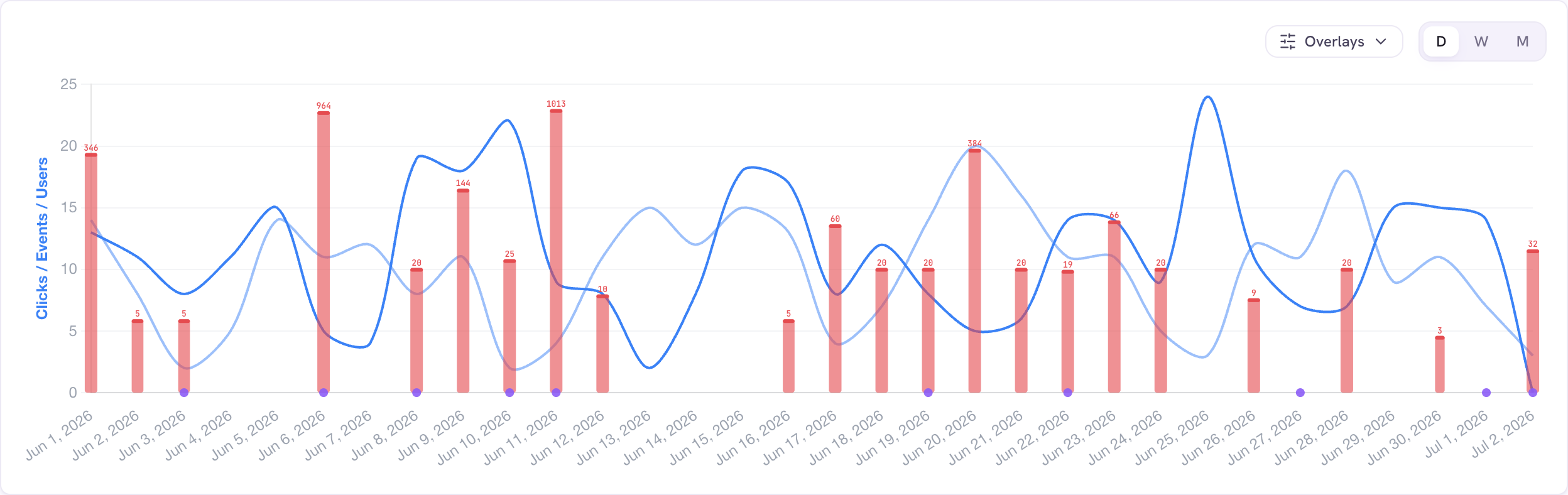
Detected changes appear as red bars on the performance chart and in the Changes column of the Pages table. Click a bar to open the change-detected card.
Good to know
- A recrawl with no differences is still recorded (a green dot on the chart), so you know the page was checked.