Choose which pages to track
Track every page, or narrow it to the sections that matter. You set this during onboarding, or any time in Project Settings.
Pick a tracking mode
On the “Choose which pages to sync” step, pick one:
- Track all pages (recommended), to sync every page.
- Only track specific paths, to choose the sections to include from your sitemap tree.
- Track all except specific paths, to exclude sections you do not care about, like
/cart/or/tag/.
Use the path tree
In include or exclude mode, Page Pulse builds a tree from your sitemap. Tick the paths to include (or exclude) and confirm.
Change it later
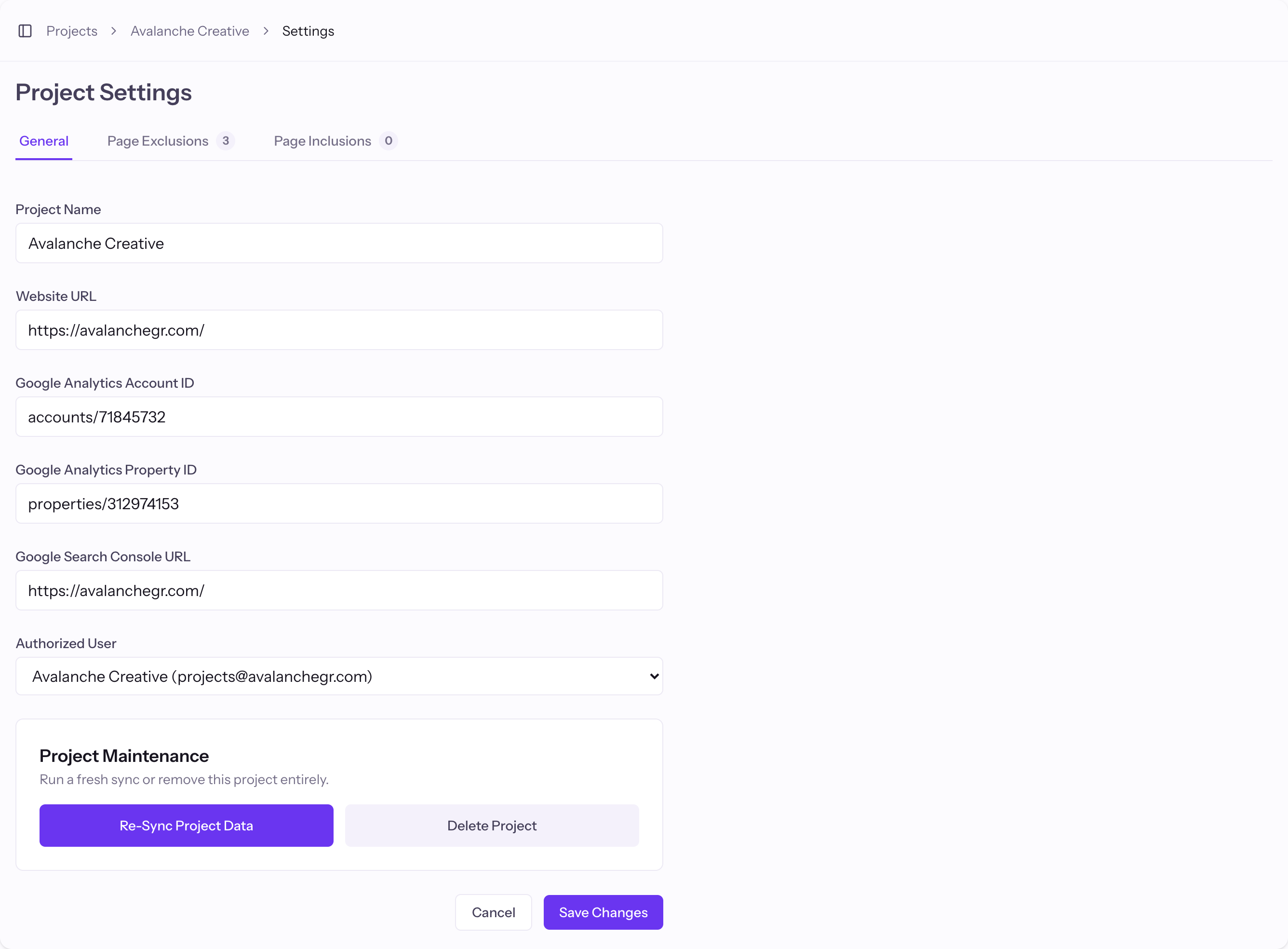
Open a project from your Projects, then go to Project Settings and edit Page Inclusions or Page Exclusions. New rules apply on the next crawl.
Good to know
- Excluding low-value paths (faceted URLs, paginated archives) keeps reports clean and cuts crawl cost.