New pages, recrawls, and redirects
Besides content changes, the chart marks three other events: new pages, recrawls, and redirects.
New pages
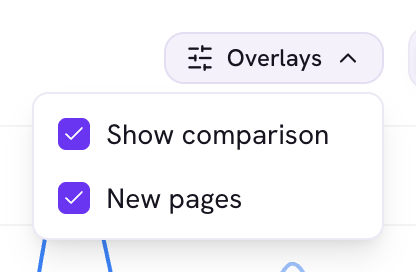
A violet dot marks the date a page was first detected on your site. Click it to filter the chart and table to pages first seen that day.
Recrawls
A small green dot marks a date the page was recrawled. Hover it to see when the page was checked and whether it was indexed.
Redirects
If a page starts redirecting, its single-page view shows a banner linking to the destination and noting that metrics for the old URL stop at the redirect.
Good to know
- New-page dots are on by default. Toggle them from the chart's Overlays menu.