Connect Page Pulse to Claude or ChatGPT
The Page Pulse MCP lets Claude or ChatGPT read your projects, pages, changes, and queries, so you can ask questions and generate reports from your live data.
Open your MCP settings
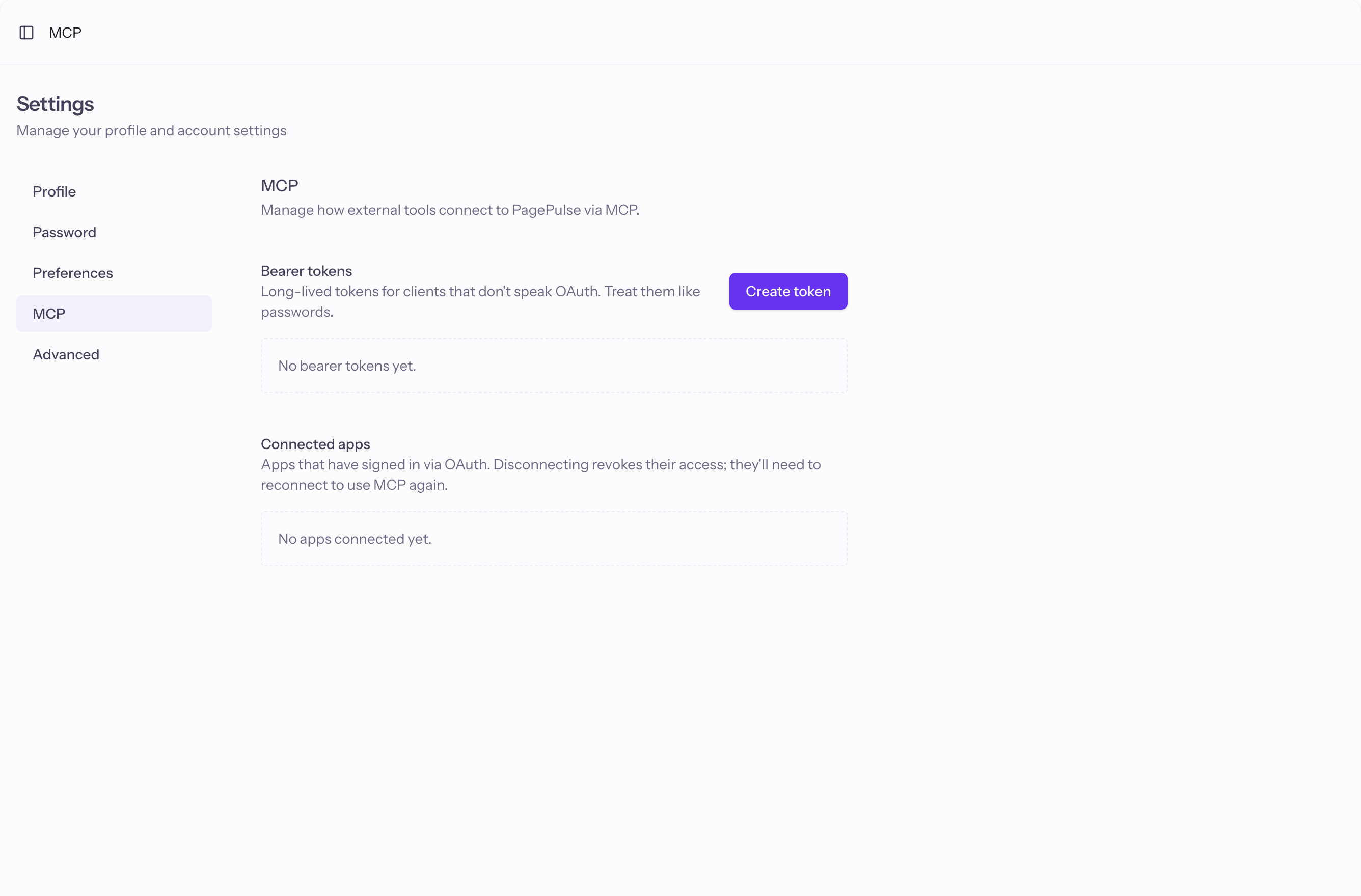
Go to Settings, then MCP. This is where you manage how external tools connect.
Connect your AI client
Add the Page Pulse MCP server in Claude or ChatGPT and sign in when prompted. For clients that do not support sign-in, create a bearer token and paste it in. Treat tokens like passwords.
Use it
Ask your AI to list projects, summarize recent changes, or build a report. The Summarize with AI button on any change card hands over a ready-made prompt.
Good to know
- A bearer token is shown only once. If you lose it, revoke it and create a new one.