Deliver alerts to Slack
Send any alert to a Slack channel so your team sees it where they already work.
Connect Slack first
An admin connects the workspace once from Organization, then Integrations. See Connect Slack for alerts for the full flow.
Pick a channel
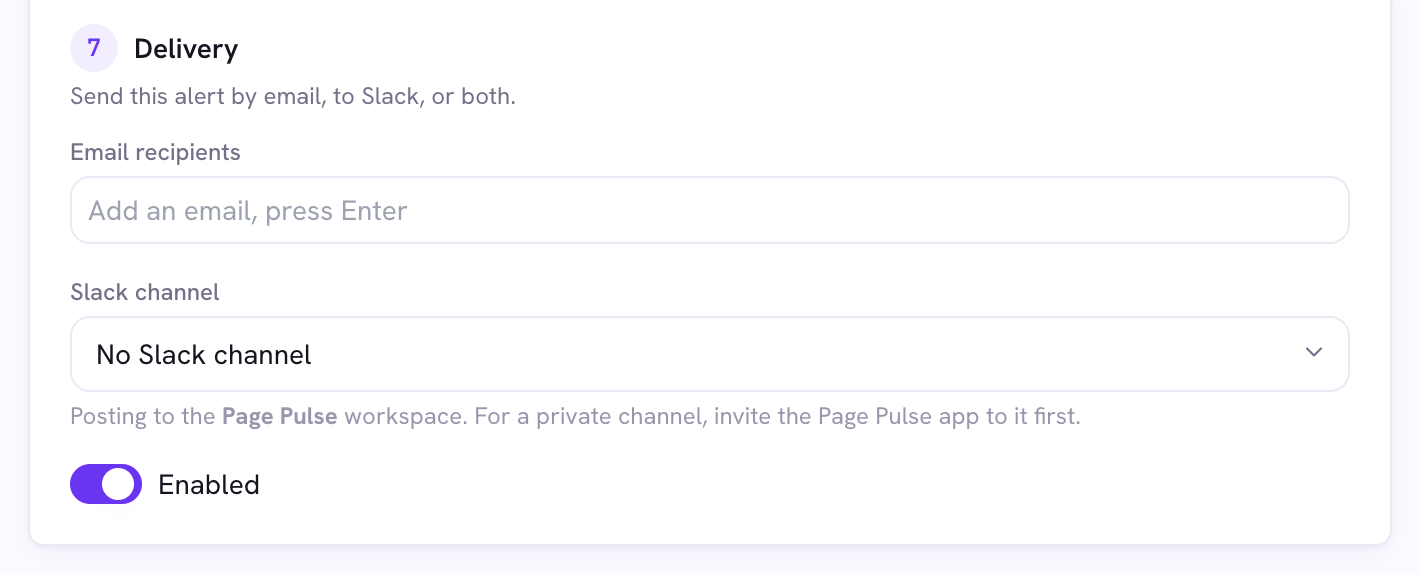
In the alert editor’s Delivery step, choose a Slack channel. For a private channel, invite the Page Pulse app to it first, or it will not be able to post.
Good to know
- You can send an alert to email and Slack at the same time.