Connect Google Search Console and Analytics
Connecting Google powers your traffic metrics: clicks and impressions from Search Console, users and key events from Analytics. Access is always read-only.
Authorize Google
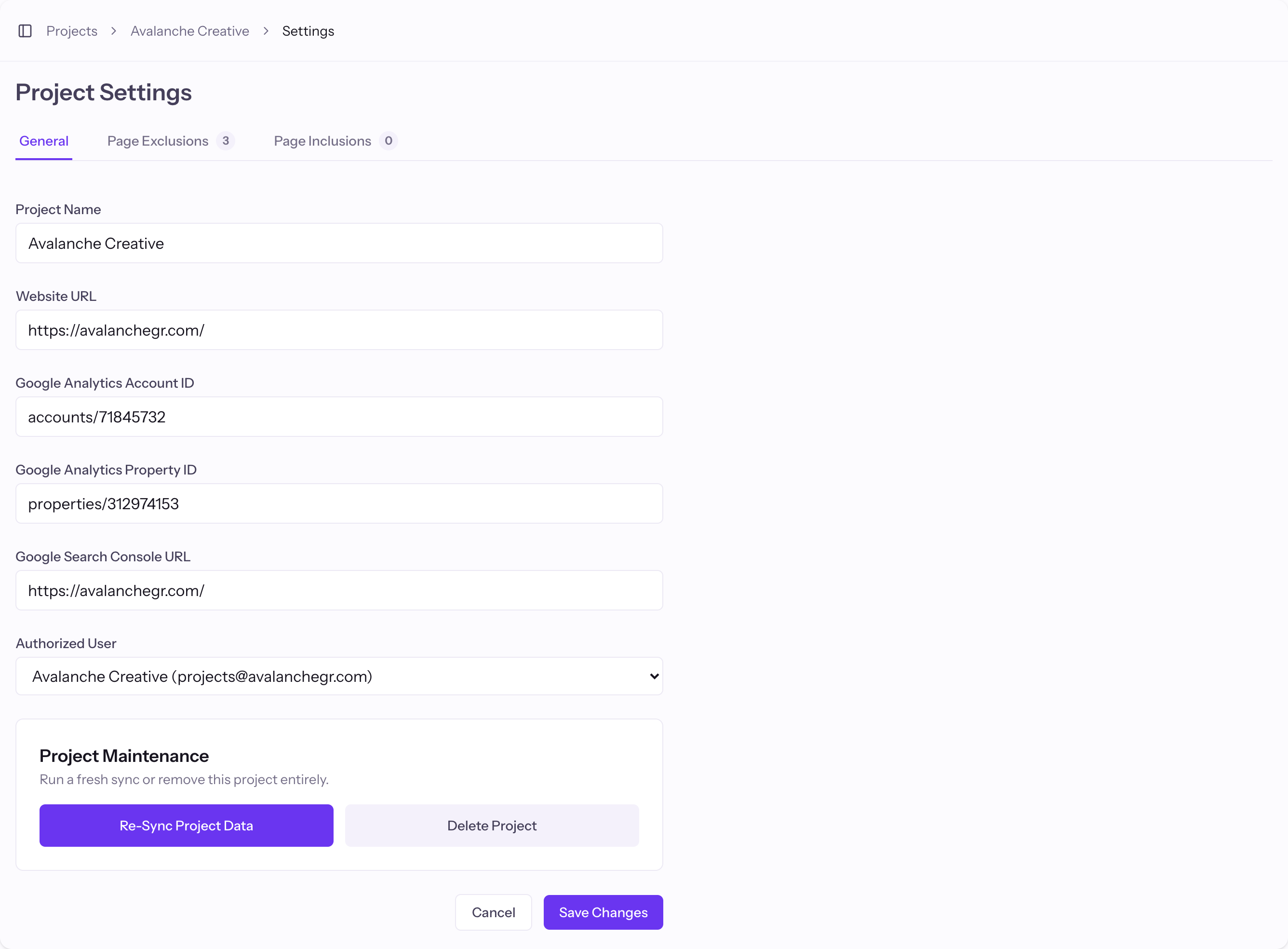
- From your Projects, start a new project or open Project Settings.
- Click Connect to Google and sign in.
- Approve read-only access to Search Console and Analytics.
Match the property and site
Pick the GA4 property and the Search Console site for this project. If your site is not listed under Search Console, verify it in Google first, then refresh.
What each source provides
Search Console gives you clicks, impressions, position, and CTR for organic search. Analytics gives you users and key events across all traffic. Page Pulse combines both on one chart.
Good to know
- Clicks and impressions only exist for Organic Search, since they come from Search Console.