
Quickly identify landing pages that drive high-value conversions and uncover SEO opportunities to increase those results.
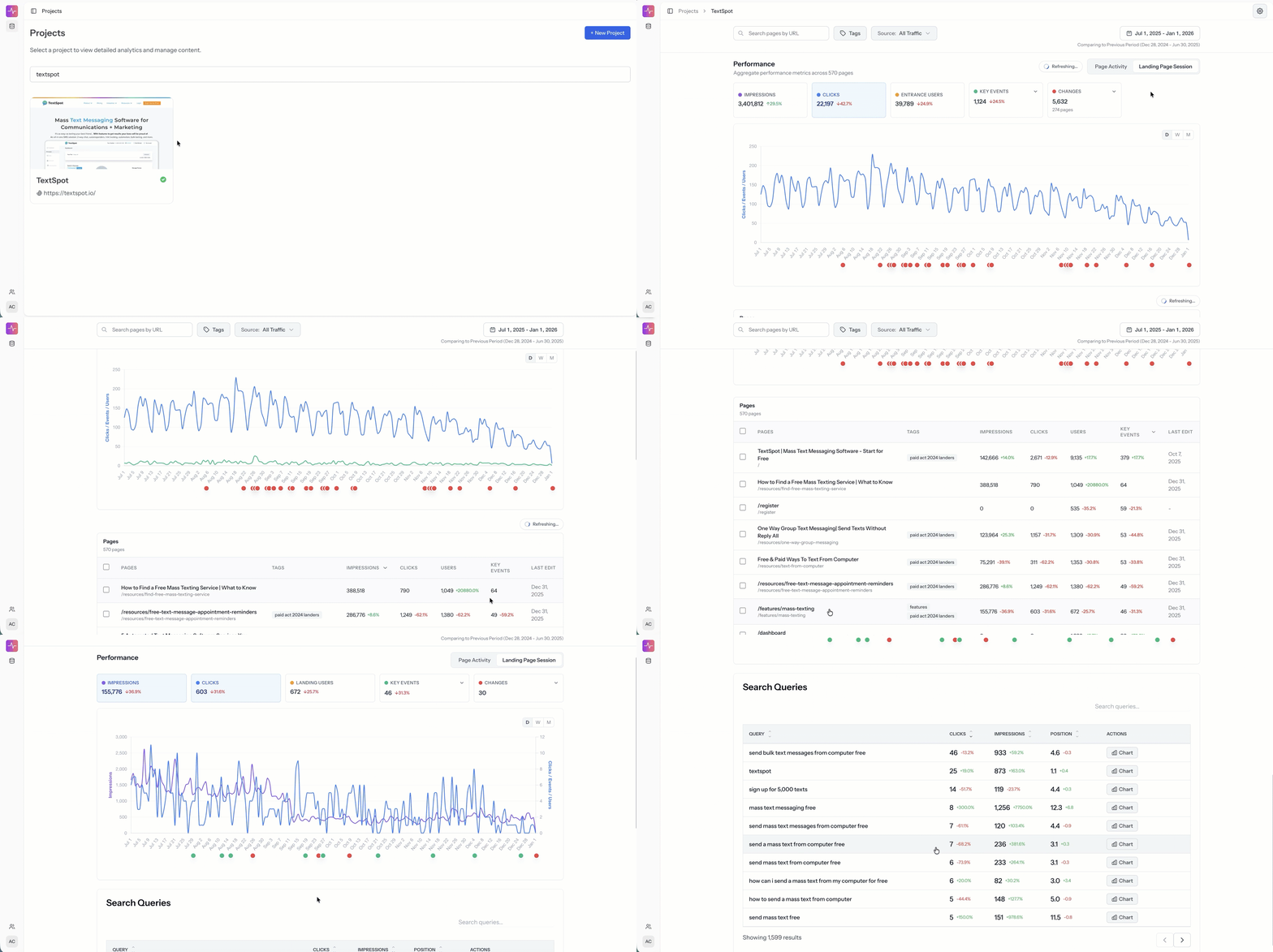
Why This Matters
High-converting pages are often under-optimized for search. Without seeing conversions, search performance, and page changes together, teams miss easy growth opportunities.
How to Do It in Page Pulse
-
Open your Project Dashboard

-
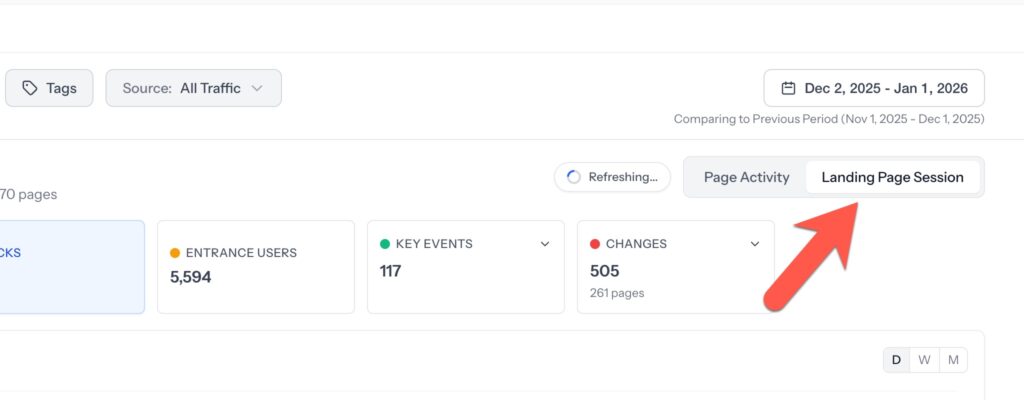
Select the Landing Page Sessions view
-
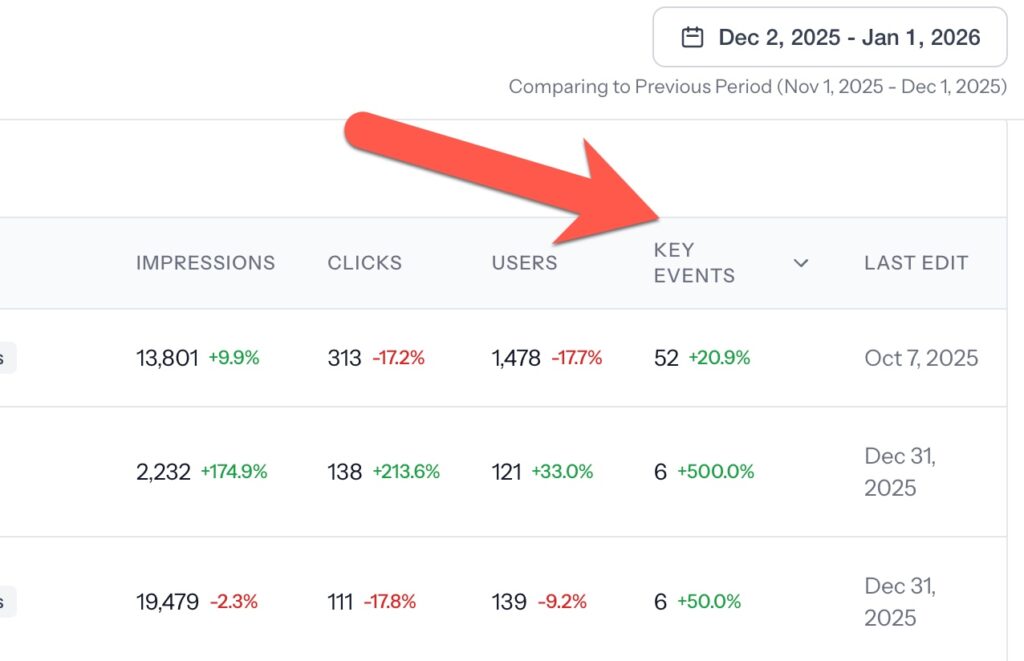
Sort the table below by Key Events (optionally select a specific key event in box above)
-
Click a page with key event conversions over your selected time range

-
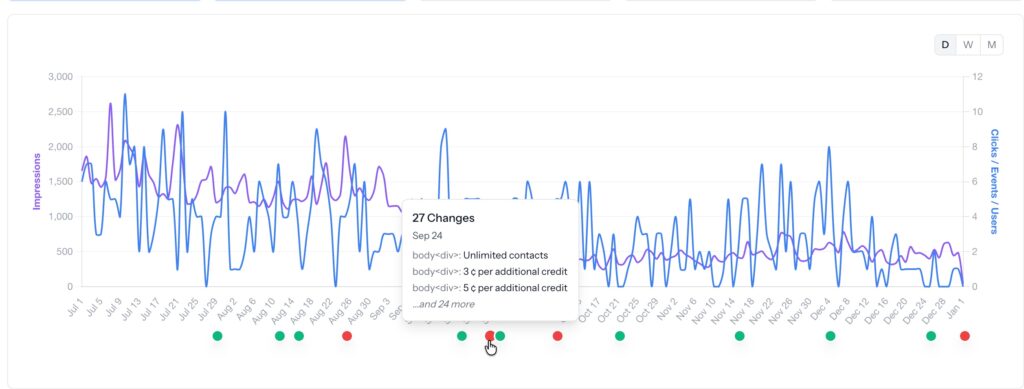
Review the page's performance timeline alongside recorded changes
-
Scroll down to view GSC Queries for that page to identify strong keywords within striking distance

Requirements
- Google Analytics 4 connected to the project
- Key events such as form fills or sign-ups configured in GA4
- Google Search Console connected and collecting query data
What You Can Decide Next
- Which high-performing pages deserve on-page updates
- Which keywords can be improved without major page rewrites based on average position
- Whether performance gains are being limited by lack of optimization rather than demand
- Find a strong keyword that could be analyzed and enhanced for better intent
What Page Pulse Connects
- Landing page sessions
- Key events like form fills
- Google Search Console clicks, impressions, and queries
- Page-level change history
Demo